Step 1
Recording
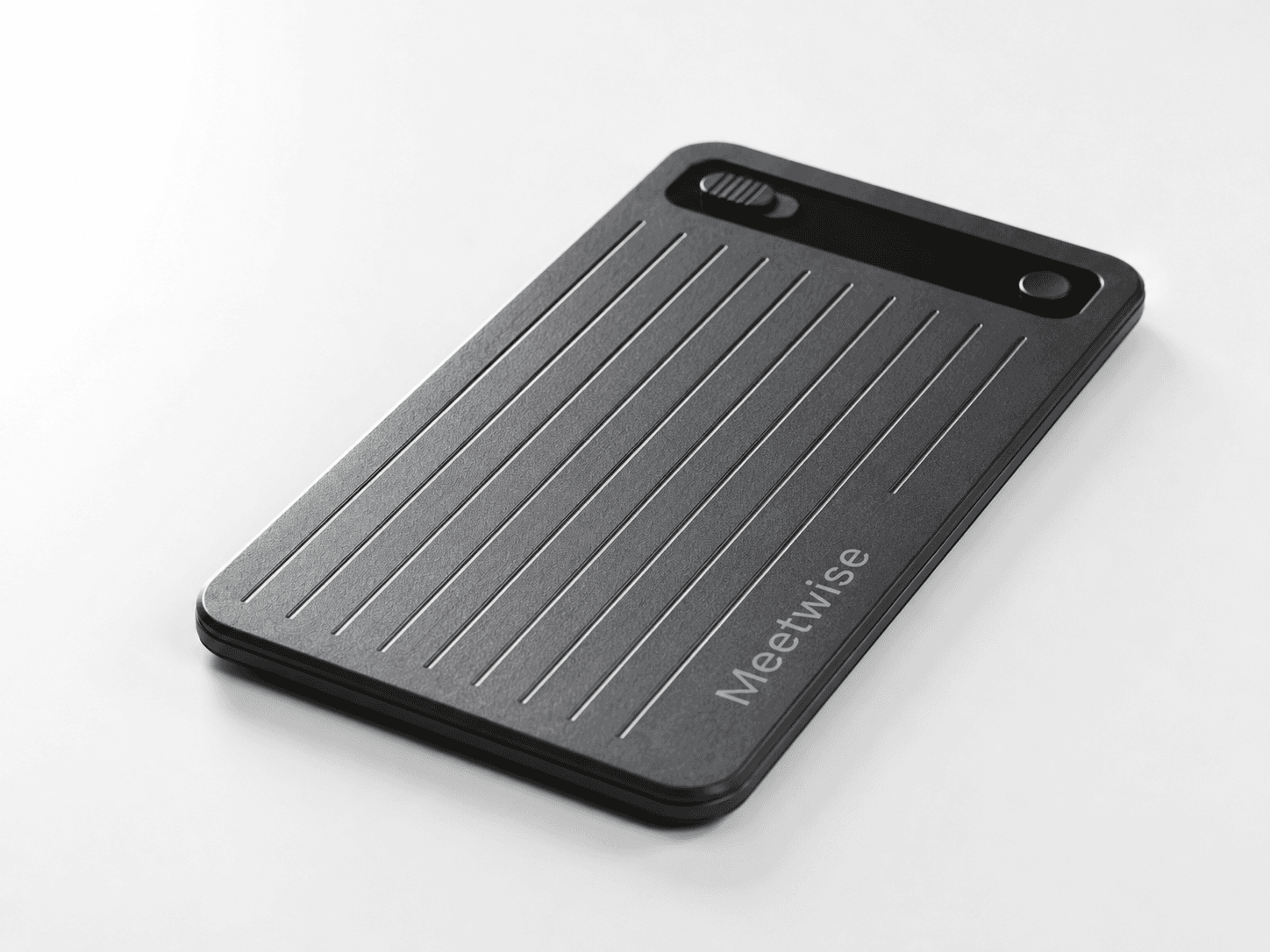
Meetwise captures in-person meetings, online meetings and phone calls. Every meeting automatically follows the workflow configured for your organization.
How Meetwise works
Meetwise is configured around your workflow and handles every meeting from capture through follow-up.
Step 1
Meetwise captures in-person meetings, online meetings and phone calls. Every meeting automatically follows the workflow configured for your organization.
Step 2
Your meeting becomes an accurate transcript with timestamps. Jump straight from the text to the right moment in the recording.
Step 3
Meetwise recognizes who is speaking and links statements to the right person.
Step 4
Get the main topics, decisions and agreements in your established reporting format. Every outcome can be traced back to the original meeting.
Step 5
Meetwise identifies tasks, owners and deadlines from your meeting. Everything is organized in one clear overview.
Result
Every meeting captured in your format
Step 1
Meetwise recognizes when a follow-up email is needed and automatically prepares it for the relevant recipient. The email can be reviewed first or sent fully automatically.
Step 2
Meetwise processes information in your CRM, ERP or industry-specific systems. Meetings, agreements and documents are added to the right record.
Step 3
Action items are automatically sent to your existing task or project system. The owner, deadline and meeting context stay connected.
Step 4
Meetwise recognizes follow-up appointments and adds them to your calendar for the selected participants. The subject and relevant context are included.
Result
Follow-up processed in your systems
Step 1
Get a briefing before every meeting with earlier conversations, open actions and relevant business information.
Step 2
Meetwise drafts replies based on previous meetings, relevant business information and your own writing style.
Step 3
Ask questions about previous meetings and get a clear, supported answer. References include the speaker, transcript and recording.
Result
Ready for every meeting ahead
Organization and access
Meetwise organizes meetings around teams, people, companies, portfolio companies, clients, projects and records, while every user only sees what has been shared with them.
Workspace
Your protected organization environment
Internal and external companies, customers, relationships and portfolio companies that meetings and projects can be linked to.
Groups of employees with their own access, responsibilities and configured workflows.
Bring meetings, participants, decisions, documents and actions together around a client, investment, record or initiative.
Remain private, are shared with selected teams or are accessible to the entire organization.
AI integrations
Make agreements, action items and relevant meeting information available in your favorite AI assistant through a secure MCP connection. Your existing access permissions remain in place.
 Microsoft Copilot
 Claude
 ChatGPT
 Google Gemini
Security & data location
Recordings, transcripts and summaries are stored in the European Union. Your organization decides who has access, how long data is retained and which actions Meetwise may perform.
Explore security and European processingMeetwise storage within the EU
Your meetings contain confidential information. That is why recordings, transcripts and summaries remain securely stored within the EU. You can also choose a fully European AI processing route for transcription and summaries.
Your connection and managed storage are protected with encryption.
Only authorized users within your organization can access meeting data.
Meeting content is not sold, used for advertising or used to train general AI models.